
Supermarket POS Software in Pakistan: A Buyer's Checklist for Marts and Superstores
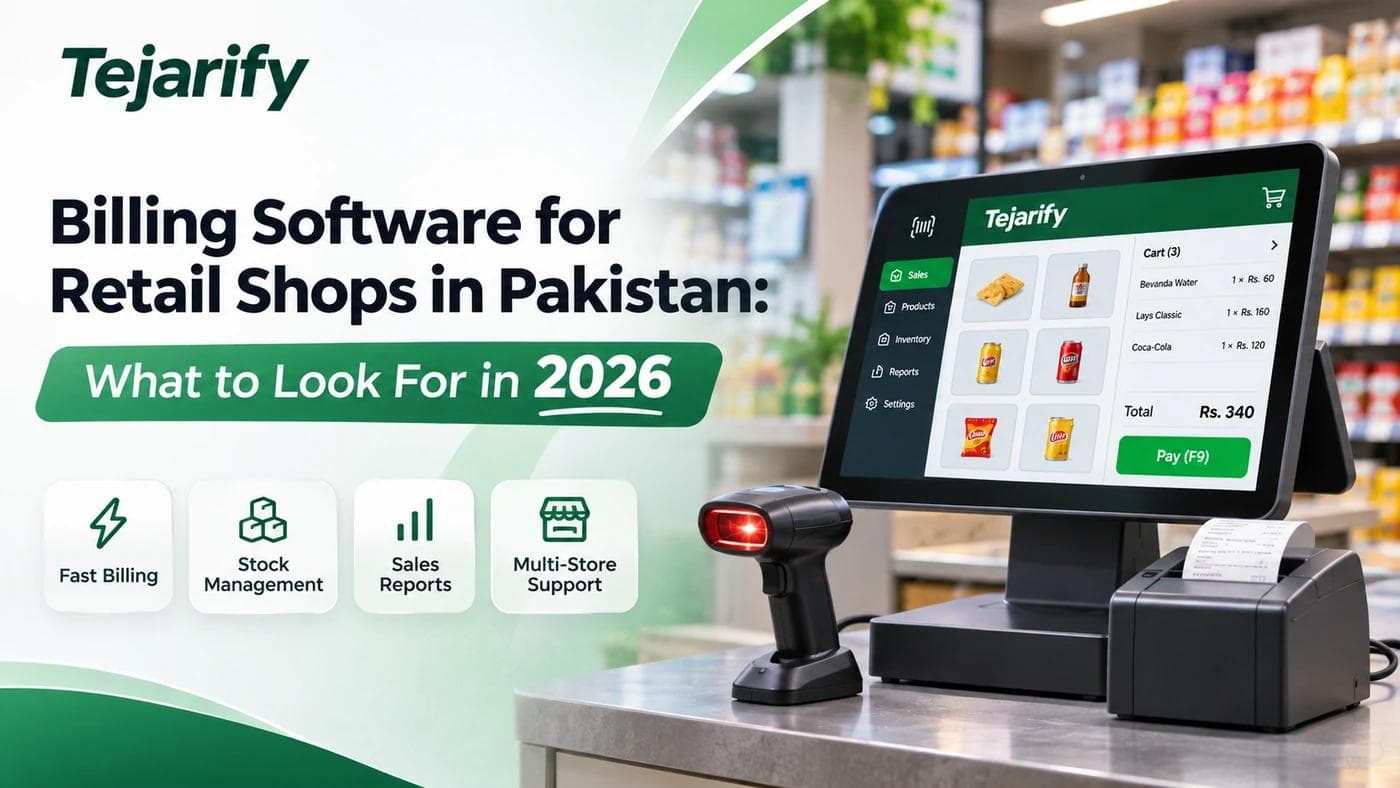
A supermarket runs thousands of items, several counters and thin margins. This checklist covers what supermarket POS software must handle in Pakistan, where Tejarify fits and where it does not.
Supermarket POS software has to do three things well: bill a full trolley quickly at several counters, keep stock accurate across thousands of items with different expiry dates, and show the owner margin by product. Everything else is secondary.
Why a supermarket is harder than a small shop
A karyana store sells a few hundred items from one counter and the owner knows most prices by memory. A mart or superstore carries thousands of items, receives stock daily from dozens of suppliers, runs more than one till and employs cashiers who change. Margins on fast moving goods are thin, so a small pricing error or a shelf of expired stock removes the profit on a whole category.
The checklist
1. Fast barcode billing on every counter
Cashiers should scan, total and print without touching the mouse. Each counter needs its own terminal login so every bill can be traced to a till and a cashier. Tejarify plans are sized by terminals: one on Basic, three on Pro and ten on Enterprise.
2. Batch and expiry tracking
Dairy, bakery, snacks and beverages arrive in batches with different expiry dates and often different costs. The software should record each batch on purchase and cost each sale against the right batch using FIFO or LIFO. Tejarify tracks inventory at batch level with expiry dates.
3. Carton and unit pricing
You buy by carton and sell by piece, and many marts also sell full cartons to smaller shops at a trade price. One item needs both prices and one stock figure. Tejarify supports carton pricing for trade sales and unit pricing at the counter on the same stock.
4. Barcode labels for items without one
Loose pulses, repacked spices and local products often have no manufacturer barcode. The software should generate barcodes and print labels so these items scan like everything else.
5. Staff roles
Cashiers sell. A stock keeper receives purchases. Only the owner sees cost and profit. Tejarify has Admin, Owner and Staff roles that control who can sell, edit stock or open the books.
6. Supplier ledger
With dozens of distributors delivering on credit, payables need the same discipline as sales. Each purchase should update the supplier's balance, and each payment should reduce it.
7. FBR compliant invoices
Larger stores and chains are the retailers most likely to fall under FBR's point of sale integration rules. Read our guide to FBR POS integration for Tier-1 retailers to see whether your store qualifies. Tejarify issues FBR compliant invoices with an FBR invoice number and QR code on each sale.
8. More than one branch
If a second outlet is planned, check the price of adding it now. In Tejarify, extra branches are added through Business Locations at Rs 5,000 per branch per month, and each branch includes three staff accounts and one POS terminal. Head office sees stock and sales across all sites.
Where Tejarify is not the right fit yet
Tejarify does not integrate with weighing scales today. If your fruit, vegetable or meat counters depend on scale printed barcodes, test that workflow carefully in the trial before you commit. Tejarify is also not a restaurant system, so a food court or dine-in section needs separate software.
Hardware for one supermarket counter
Each counter needs a PC or laptop with a browser, a barcode scanner, an 80mm thermal receipt printer and a cash drawer. Add one barcode label printer for the store, and a UPS that covers the counter PC, router and printer.
Frequently asked questions
How many counters can run at once?
As many as your plan has terminals. Enterprise includes ten POS terminals at PKR 30,700 per month, excluding tax. See the pricing page for the current plans.
Is supermarket software different from grocery store software?
The core is the same. A supermarket needs more terminals, stricter staff roles and stronger purchase control. Our grocery store software guide covers the basics for a single store.
Can I test it with my own items first?
Yes. Start the 30-day free trial, load one category and run a single counter on it for a week before moving the whole store.