
Best POS System Setup for Mobile Phone Shops in Pakistan: A Step-by-Step Guide
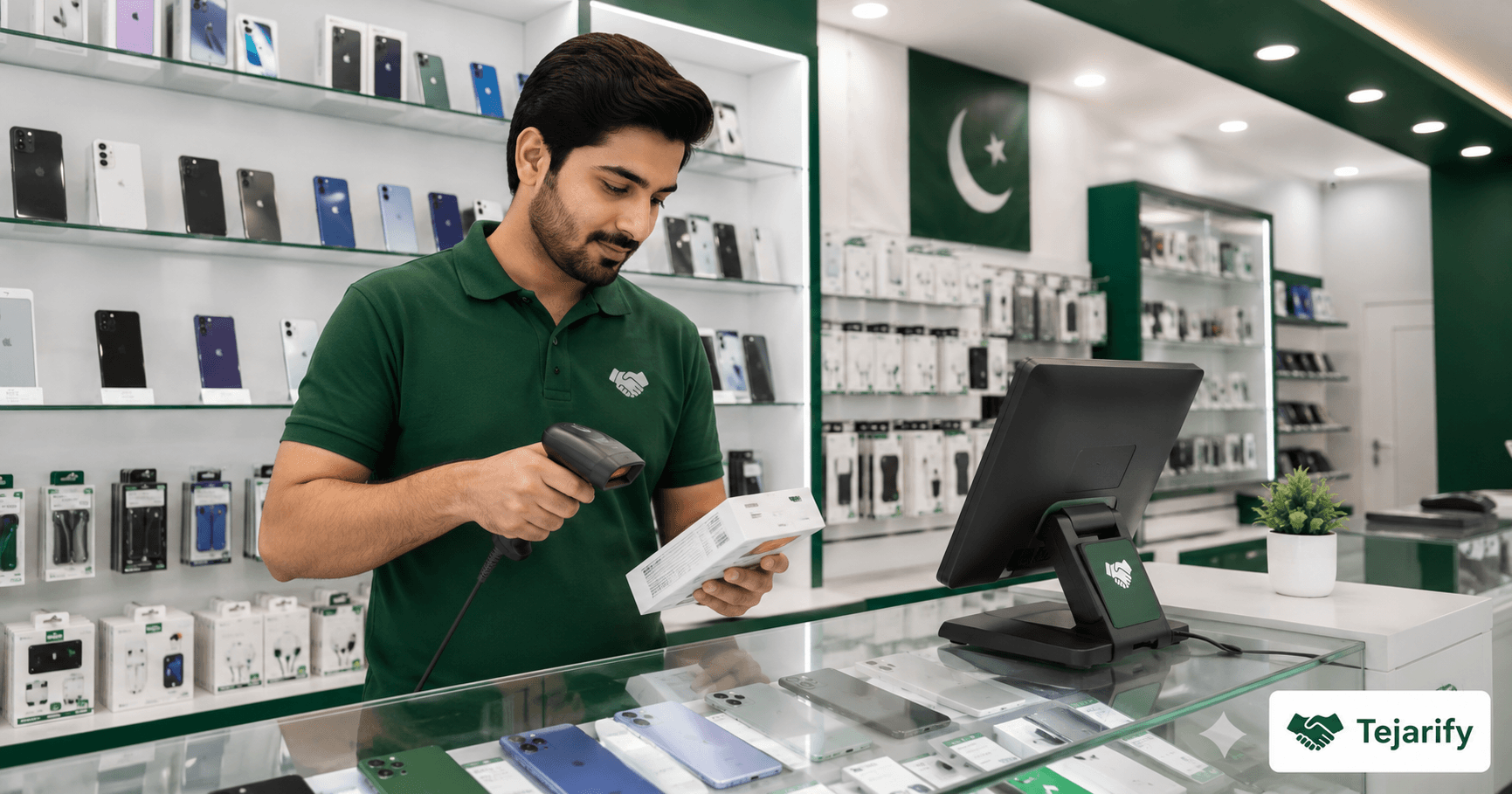
Written by the Tejarify Product Team – based on data from 500+ retail and wholesale businesses across Pakistan. Summary: Mobile phone shops in Pakistan need more than a basic POS. IMEI tracking, warranty management, repair records, and high-value inventory require a purpose-configured setup. This step-by-step guide covers everything. Quick Answer The best POS system for […]
Written by the Tejarify Product Team – based on data from 500+ retail and wholesale businesses across Pakistan.
Summary: Mobile phone shops in Pakistan need more than a basic POS. IMEI tracking, warranty management, repair records, and high-value inventory require a purpose-configured setup. This step-by-step guide covers everything.
Quick Answer
The best POS system for a mobile phone shop in Pakistan must support: IMEI-level serial number tracking for every handset, warranty start and end date recording per unit, repair and service job tracking, high-value inventory management with variation support (colour, storage, model), and FBR-compliant receipts. Without IMEI tracking, return fraud and warranty disputes become unmanageable.
Why Mobile Shops Need a Specialised POS Configuration
A mobile phone shop in Islamabad or Lahore is not a regular retail store. You may sell a Rs. 250,000 flagship phone and a Rs. 500 charging cable in the same transaction. Each handset has a unique IMEI number. Warranty terms differ by brand and model. Repairs and service jobs need separate job cards.
A generic POS system handles none of this well. A properly configured system makes every one of these operations seamless.
Step 1: Configure Your Product Catalogue With Variations
Mobile phones come in multiple configurations: colour, storage size, RAM, and network type. Set up each phone model as a parent product with variations for each configuration. Assign a unique barcode to each variation. This allows you to scan a specific unit at checkout rather than manually selecting specs at the counter.
Step 2: Enable Serial Number and IMEI Tracking
Every handset sold should be tracked by its unique IMEI number. This protects you against return fraud (a customer returning a different unit), enables warranty verification, and gives you a complete history of every device that has passed through your shop.
Step 3: Set Up Warranty and After-Sales Records
Record warranty start date, end date, and terms for every unit at point of sale. When a customer returns for a warranty claim, the system shows the full purchase record and warranty status instantly. No paper warranty cards. No disputes about purchase dates.
Step 4: Configure Staff Permissions and Session Management
Mobile shops in Pakistan are high-theft environments due to product value. Configure your POS with strict staff permissions: only managers can process returns, apply discounts above a threshold, or write off inventory. Every session opens and closes with a cash count.
Step 5: Set Up Repair and Service Job Tracking
Create repair tickets for every service job. Track job status from intake to completion. Log parts used against each job. Generate a service invoice automatically when the job is complete.
Frequently Asked Questions
How do I track IMEI numbers for mobile phones in a POS system in Pakistan?
Tejarify supports serial number tracking at the product level. Each handset is entered with its IMEI, and this number is recorded at point of sale and linked to the customer receipt.
Can I manage mobile phone repairs alongside retail sales in a POS system?
Yes. Tejarify’s service job feature allows you to create repair tickets, track job status, log parts used, and generate service invoices – all from the same system you use for retail sales.
Does Tejarify support FBR receipts for mobile phone shops in Pakistan?
Yes. Every transaction processed through Tejarify generates a fully FBR-compliant receipt with all mandatory fields including NTN, STRN, item description, and QR code.
Your Mobile Shop Deserves a System Built for It
Tejarify handles IMEI tracking, warranty records, repair job management, high-value inventory, and FBR compliance – all in one platform designed for Pakistani retail.
Stop managing your mobile shop on a basic billing app.
Visit tejarify.com to learn more.
Tejarify is a B2B SaaS platform for retail and wholesale businesses in Pakistan. Visit tejarify.com to explore all features.