
Cloud POS System in Pakistan: How It Works, What It Costs and When to Switch
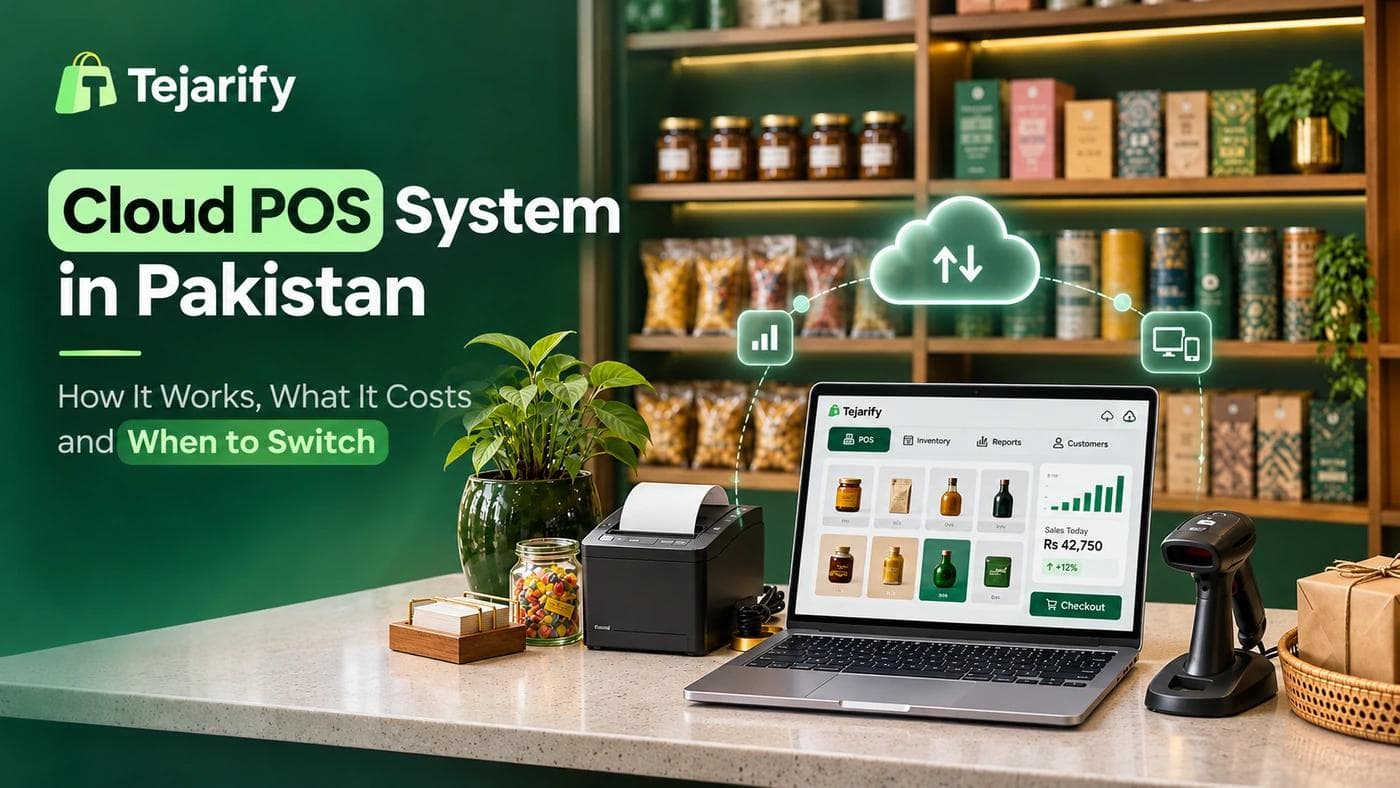
A cloud POS system keeps your sales, stock and ledgers online instead of on one shop computer. Here is how it works in a Pakistani shop, what it costs per month and how to decide if you should switch.
A cloud POS system stores your sales, stock and customer ledgers on a secure online server instead of one computer in the shop. You bill from a browser or a phone, and the owner sees the same live numbers from home, the warehouse or another branch.
What is a cloud POS system?
A point of sale system records every sale, reduces stock and prints the receipt. In older desktop software, all of that lives in a database file on the counter PC. In a cloud based POS system, the same data lives on the vendor's servers and your devices connect to it over the internet. That is why it is also called web based POS or online POS.
For the cashier, very little changes. They scan a barcode, take payment and print a thermal receipt. The difference is behind the counter: there is no local database to back up, no license key tied to one machine and no need to visit the shop to see today's sales.
Cloud POS vs desktop POS software
- Where the data lives. Desktop: on one PC, so a failed hard disk or a stolen computer can take the whole record with it. Cloud: on servers with automatic backups.
- How you pay. Desktop: usually a one-time license plus paid visits for installation and repairs. Cloud: a monthly or yearly subscription with updates included.
- Who can see the numbers. Desktop: whoever is sitting at the counter PC. Cloud: any authorised user on any device, with roles that limit what staff can open.
- Adding a branch. Desktop: a second installation and a nightly file transfer that someone has to remember. Cloud: a second login on the same account, with stock visible across both sites.
- Internet dependence. Desktop: none for billing. Cloud: it needs a connection, so this is the first question to ask any vendor.
The honest downside: internet and load shedding
A cloud POS is only as reliable as the connection at your counter. In most Pakistani markets the practical answer is two connections: the shop's broadband and a mobile data hotspot on a different network. A POS screen uses very little data, so a basic 4G package is enough to keep billing during a broadband outage. Put the router and the receipt printer on the same UPS as the counter PC so a power cut does not stop the queue.
Ask each vendor exactly what happens when the connection drops, and test it during the trial rather than taking the answer on trust.
What a cloud POS system costs in Pakistan
Published monthly prices from Pakistani vendors start at roughly PKR 2,500 for a single user with sales only and rise with terminals, branches and modules. Tejarify has a Free plan at PKR 0 that covers point of sale, advanced reporting and WhatsApp receipts. Paid plans are PKR 5,000 per month for Basic with one terminal and B2B wholesale, PKR 15,350 for Pro with three terminals, and PKR 30,700 for Enterprise with ten terminals and an online store. Prices exclude tax and are listed on the Tejarify pricing page.
When you compare vendors, add up the full monthly bill: extra users, extra branches, tax integration fees and hardware. A low plan price can double once those lines are added.
Seven things to check before you choose
- Does it work with the barcode scanner and thermal printer you already own?
- Can you import your product list from Excel, or must you type every item again?
- Does it track customer udhaar and supplier balances, or only cash sales?
- Can it sell the same item by carton to a dealer and by piece at the counter?
- Does it issue FBR compliant invoices if your shop is required to report sales?
- Can you limit what a cashier sees, such as purchase cost and profit?
- Can you export your own data if you ever leave?
When switching makes sense
Switch when the owner needs numbers without being at the counter, when a second branch or warehouse is planned, when the counter PC is old enough to be a risk, or when a desktop license renewal is due anyway. If you are still on paper, read our comparison of a POS system and a manual register first.
Where Tejarify fits
Tejarify is a cloud platform built for Pakistani retail and wholesale. It runs in the browser and on Android with the same account and data. Counter sales and B2B wholesale orders draw on one stock and one ledger, with batch and expiry tracking, carton and unit pricing, customer khata, supplier ledger and FBR compliant invoicing. Munshi AI answers questions about sales, profit and stock in Urdu, Punjabi or English.
Frequently asked questions
Is my data safe in a cloud POS?
It is usually safer than a single shop PC, because backups run automatically and each business's data is kept separate behind a login. Use a strong owner password and give staff their own accounts.
Do I need to buy a new computer?
No. A cloud POS runs in a web browser, so the PC or laptop already on your counter is normally enough.
Can I try before paying?
Yes. Tejarify has a 30-day free trial with all modules unlocked and no card required. Start a free trial and bill a few real customers before you decide.