
Billing Software for Retail Shops in Pakistan: What to Look For in 2026
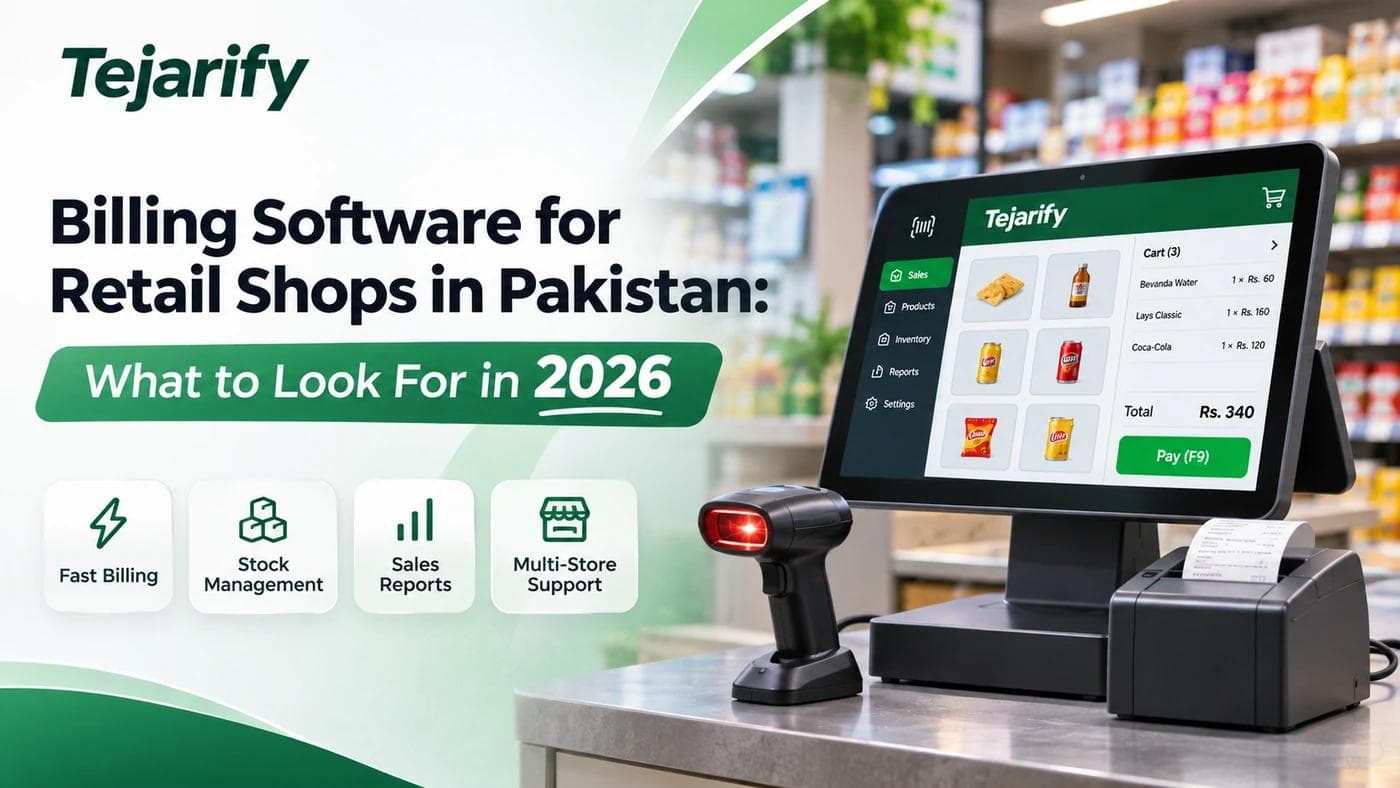
Billing software prints a receipt. Good billing software also updates stock, records udhaar and tells you the day's profit. A practical checklist for retail shops in Pakistan.
Billing software for a retail shop should do four jobs on every sale: print the bill, reduce the stock, record how the customer paid and add the sale to the day's report. If it only prints a cash memo, you still need a register for everything else.
What billing software actually does
At the counter, the cashier scans or searches an item, the software pulls the price, applies any discount and totals the bill. On payment it prints a thermal receipt or sends the receipt on WhatsApp. That part looks the same in every product. What separates them is what happens after the receipt prints.
In a complete system the same sale lowers the stock count, updates the customer's khata if it was sold on credit, and feeds the profit report using the purchase cost of that batch. A cash memo printer does none of this.
Eight features a Pakistani retail shop needs
- Barcode billing. Scanning is faster than typing and removes pricing mistakes. Check that the software can also generate and print barcode labels for loose or unbranded items.
- Thermal receipt printing. It should print on the 80mm thermal printer you already have.
- Udhaar on the bill. A credit sale should go straight to the customer's ledger with a running balance, so nobody copies it into a notebook later.
- Stock that moves with sales. Every bill should reduce inventory, and every purchase should increase it.
- Batch and expiry. Essential for grocery, cosmetics and medical stores, where the same item arrives at different costs and dates.
- Staff roles. A cashier should be able to sell without seeing purchase cost or editing stock.
- Daily profit, not only daily sale. The closing report should show sales, cost and margin for the day.
- Tax invoices when required. If your shop reports sales to FBR, the bill needs an FBR invoice number and QR code.
Free billing software: what is the catch?
Most searches for free billing software lead to cracked desktop programs or apps that stop at a few hundred invoices. Cracked software has no backups and no support, and a failed PC takes your records with it. A genuine free plan from a vendor is a safer way to start. Tejarify's Free plan costs PKR 0 per month and includes point of sale, advanced reporting and sharing receipts on WhatsApp. It does not include B2B wholesale or the online store, which sit in the paid plans.
What paid billing software costs
Cloud billing software in Pakistan is sold by monthly subscription. Tejarify Basic is PKR 5,000 per month with one POS terminal, B2B wholesale and a supplier ledger. Pro is PKR 15,350 with three terminals and salesman commissions. Enterprise is PKR 30,700 with ten terminals, an online store and expense management. All prices exclude tax and are on the pricing page.
How to test billing software in one afternoon
- Add your 30 fastest selling items with purchase and sale price.
- Connect your scanner and thermal printer and bill ten real customers.
- Make one credit sale and check the customer's balance.
- Process one return and confirm the stock went back up.
- Open the day report and compare it with the cash in the drawer.
If the cashier can do all five without calling you, the software suits your shop.
Frequently asked questions
Which billing software is best for a small shop in Pakistan?
The one your cashier can use on day one and that records udhaar and stock along with the bill. For a neighbourhood store, see our guide to karyana store software.
Can I use billing software on my phone?
Yes. Tejarify runs in any browser and has an Android app on Google Play that uses the same account and data.
How long does setup take?
A short product list can be entered and billing started the same day. Start the 30-day free trial with all modules unlocked and no card required.